How to create a View
Step-by-Step Guide#
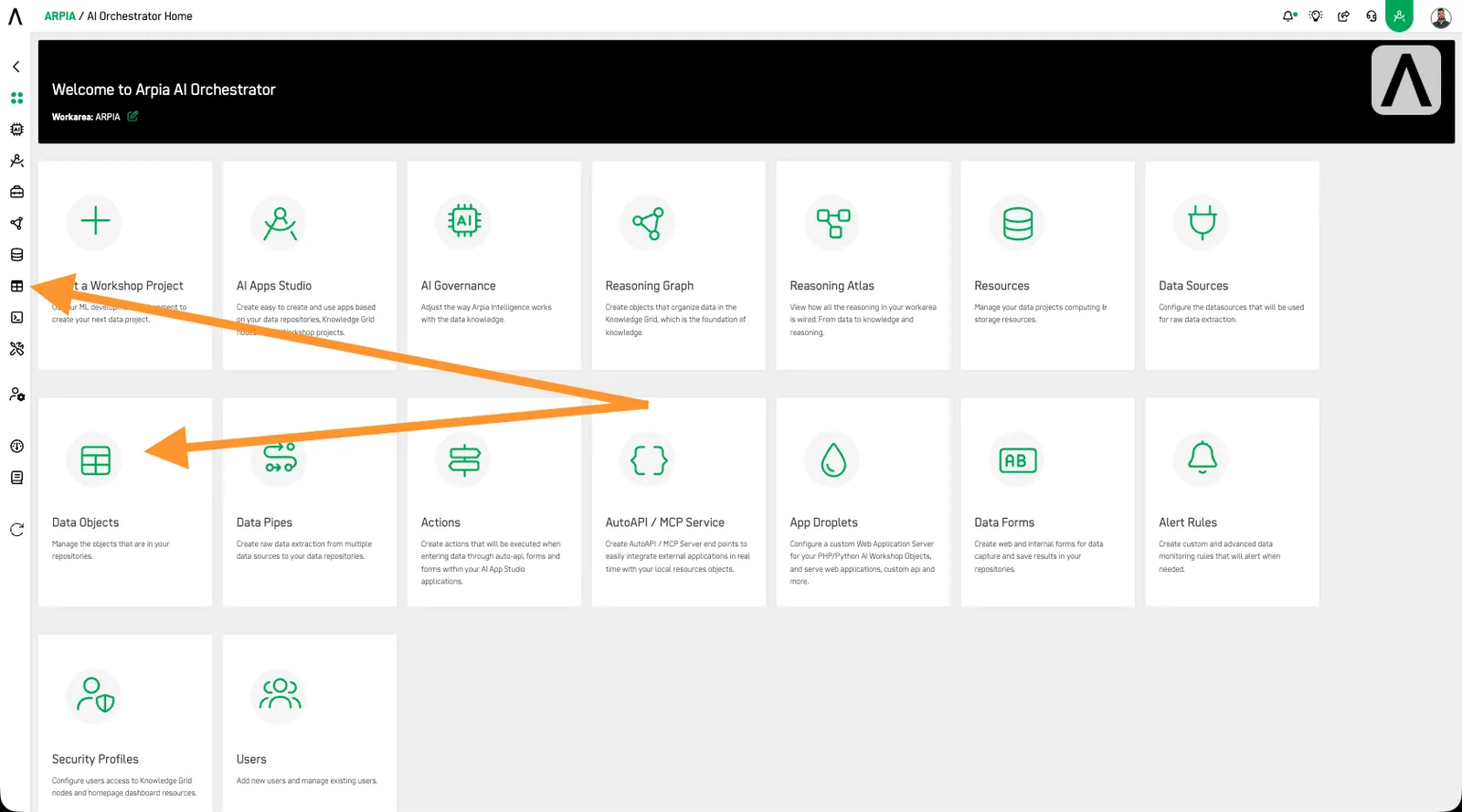
Step 1: Access the Data Objects Section#
Navigate to the Data Object section in your Orchestrator toolbar.
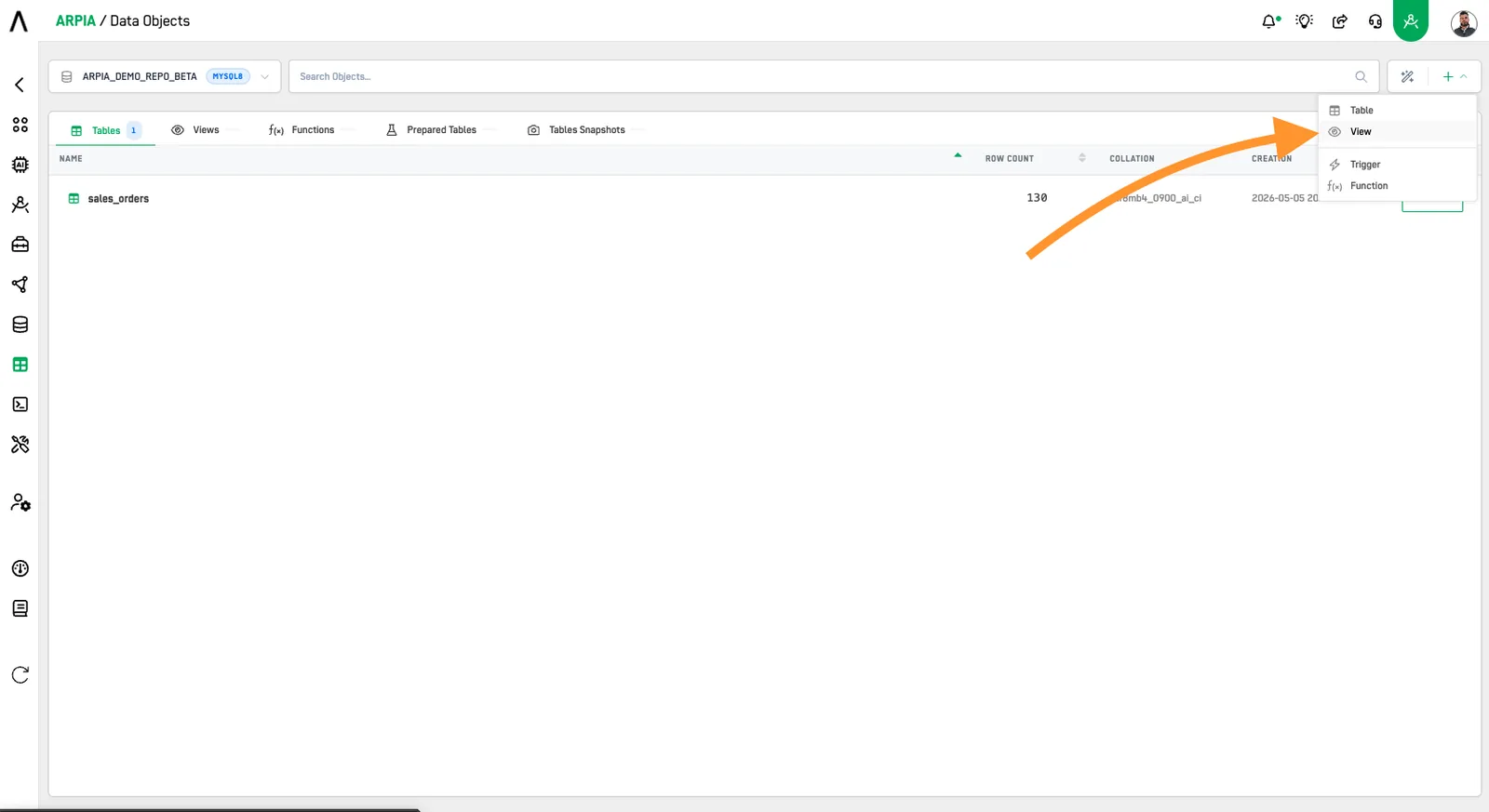
Step 2: Create a new View Data Object#
Click the "View" button.
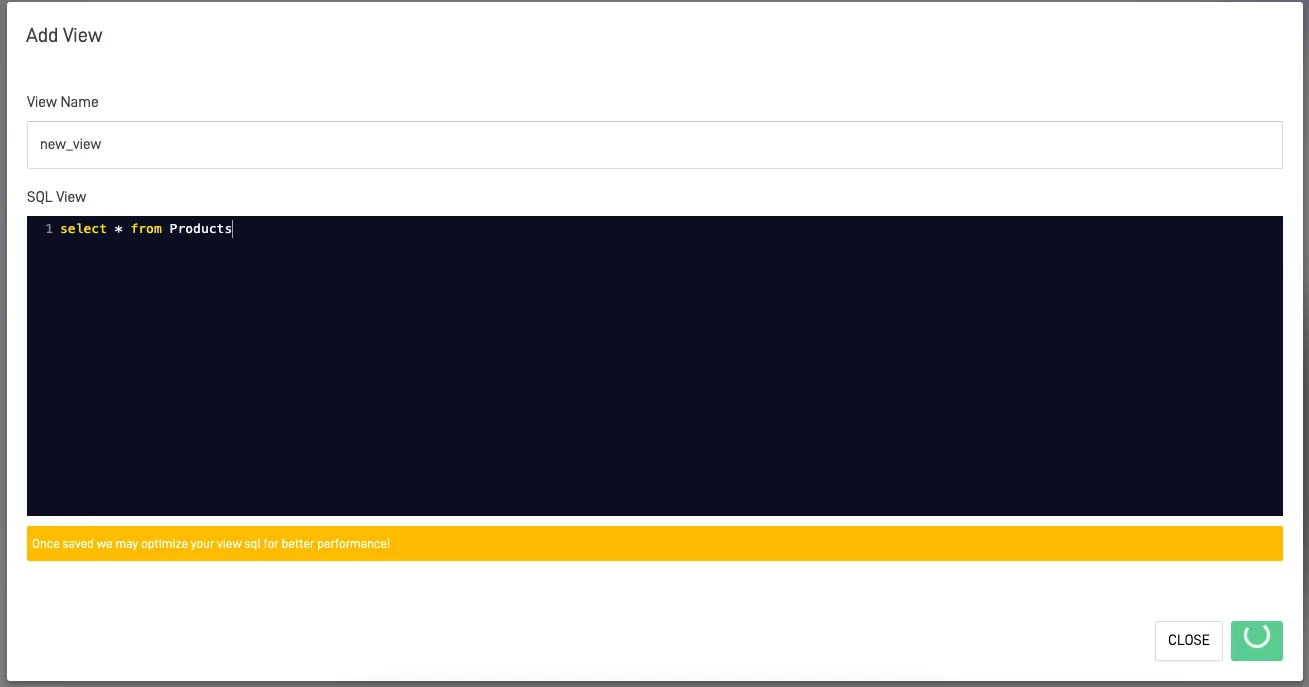
Step 3: Fill Out the Add View form#
After clicking the button, you'll see the following screen. Fill out the form to create your view by entering the view name (which will automatically convert to all lowercase letters) and the SQL view where you will place the query you want to save as a view.
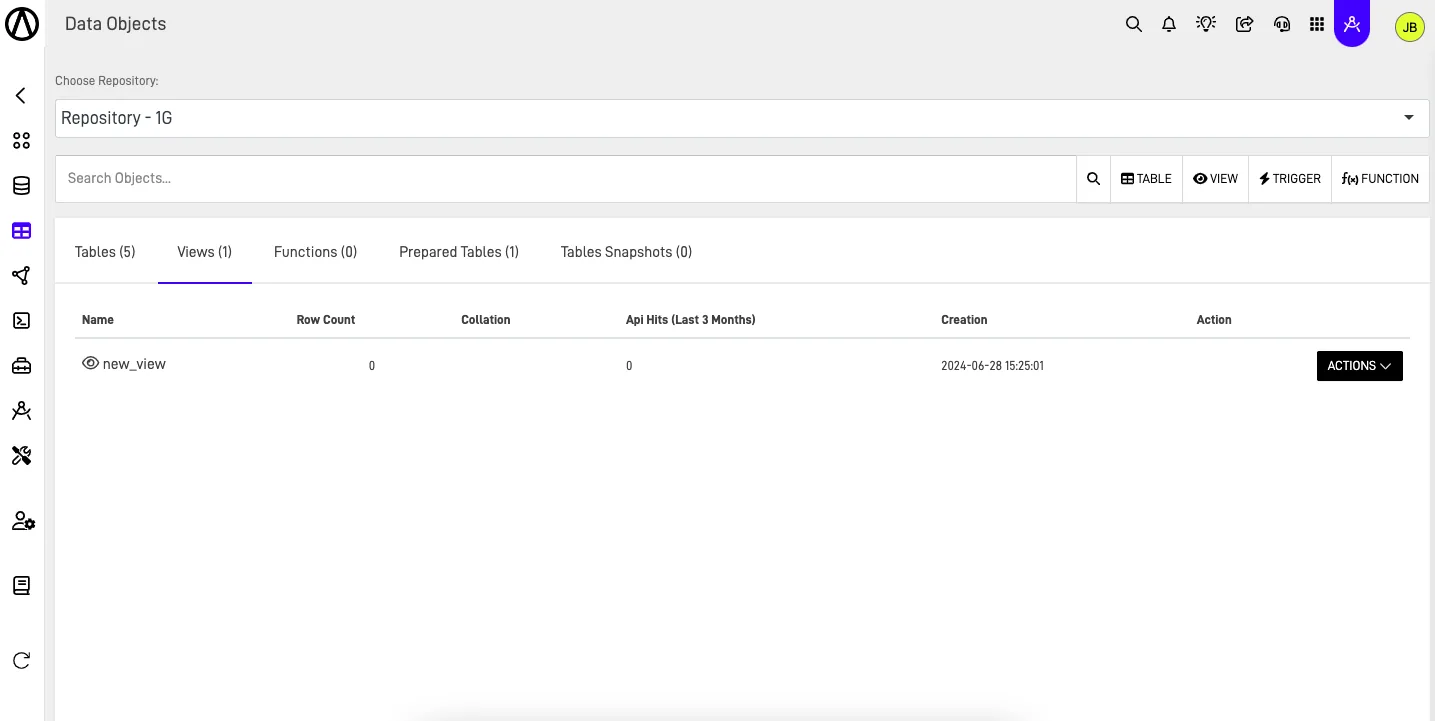
Step 4: Check Your View listed#
After creating your view, you can view it in the Data Object section, where it will be listed with all the other views in the design repository in the view tab.