How to create a Data Object
Getting Started with Data Objects#
Data Objects are the foundation of your data operations in ARPIA. This guide will help you navigate the available documentation for creating and managing your data objects.
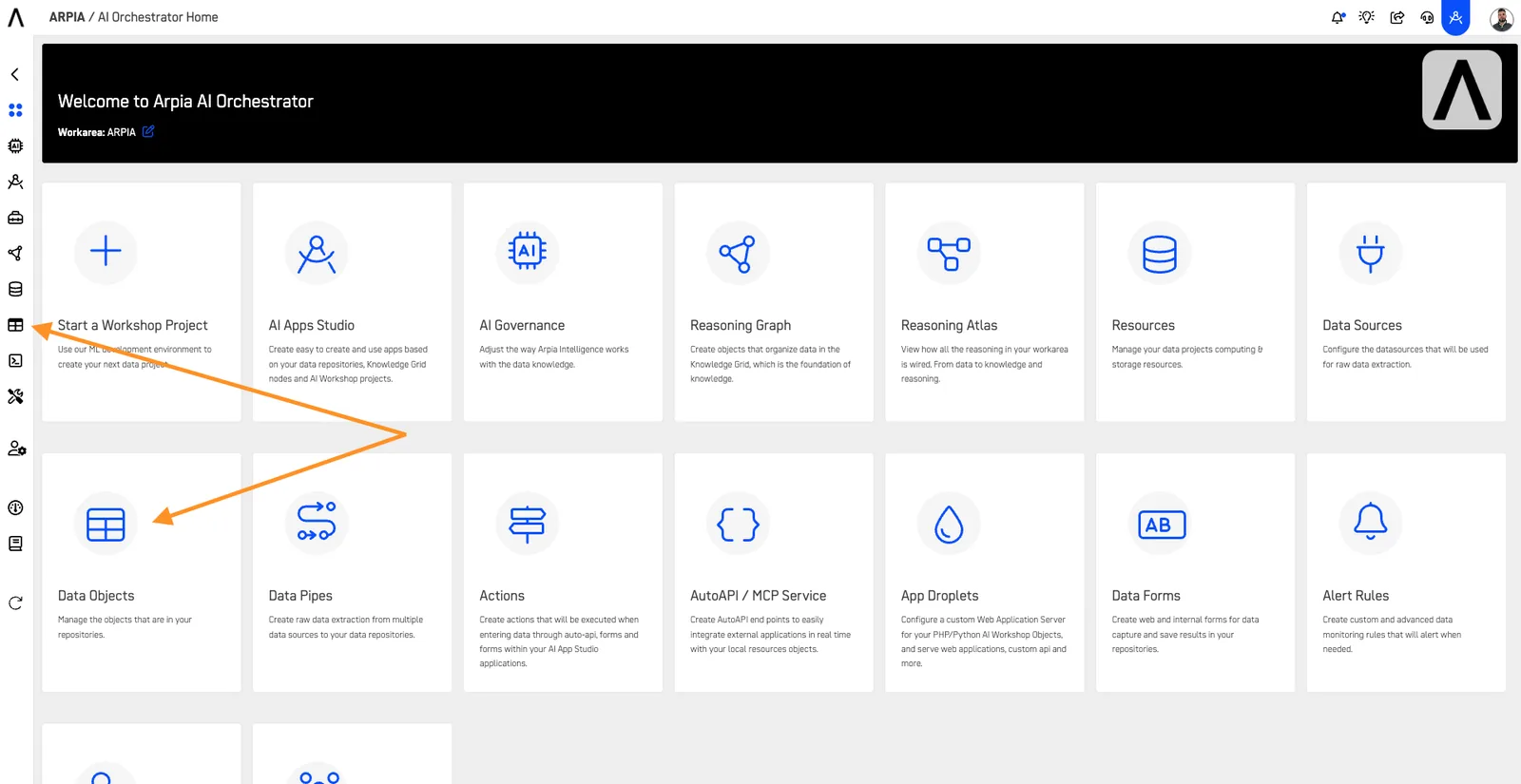
Understanding Data Objects#
Start here to learn about the Data Objects interface and available features:
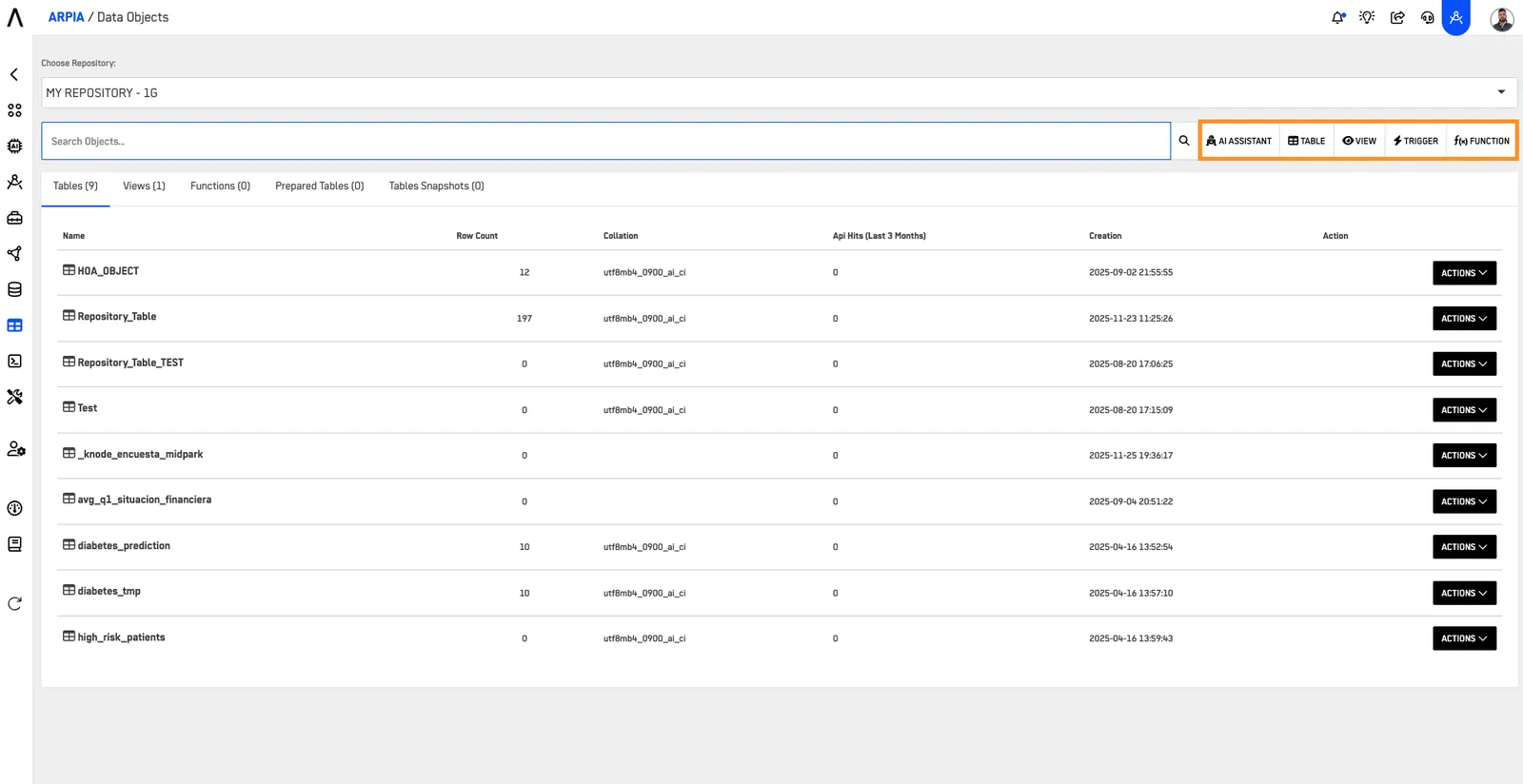
Creating Data Objects#
Tables#
Learn how to import and structure your data in tables.\ 📖 How to Create Tables
Views#
Create virtual tables from existing data.\ 📖 How to Create a View
Functions#
Build custom SQL routines for data operations.\ 📖 How to Create Functions
Triggers#
Automate actions based on table events.\ 📖 How to Create a Trigger
Managing Data Objects#
Learn how to use the available actions for your data objects:
📖 How to Use Data Object Actions
This guide covers:
- View Object
- Edit Data
- Import
- Table Data Profile
- See Token
- Design Object
- Duplicate
- Create Snapshot
- Create Knowledge Node
- Add Trigger